How Smart Contractors Built Alerts That Actually Matter
- Rob Pratt
- Automation , Construction , Business
- June 16, 2026
Table of Contents
How Smart Contractors Built Alerts That Actually Matter
The three-tier system that turns 200 daily pings into 8 that you actually act on
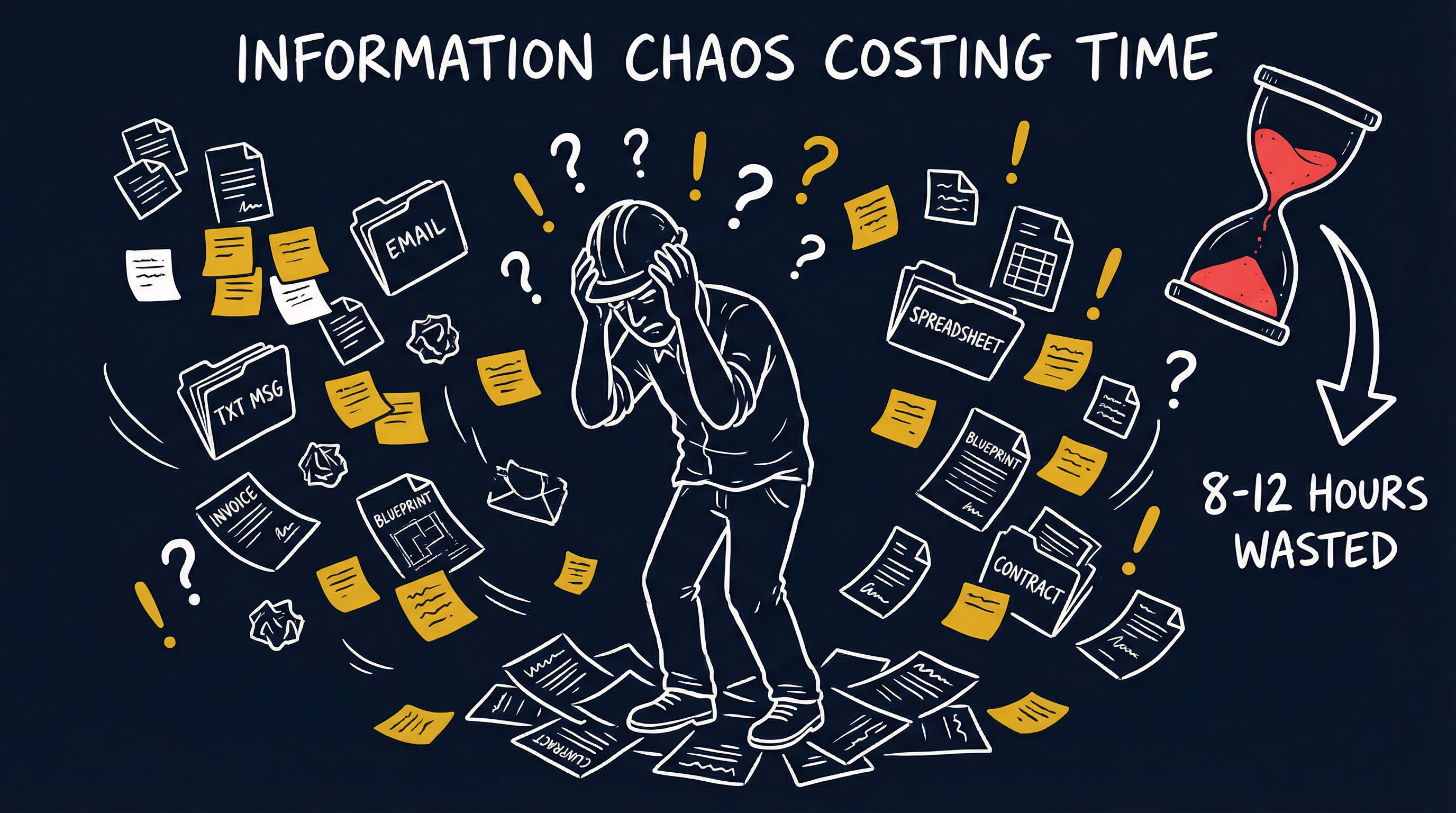
Previously: Your Phone Buzzed 200 Times Today. How Many Actually Mattered? - Why notification overload causes contractors to miss $264,000 per year in leads they never even saw.
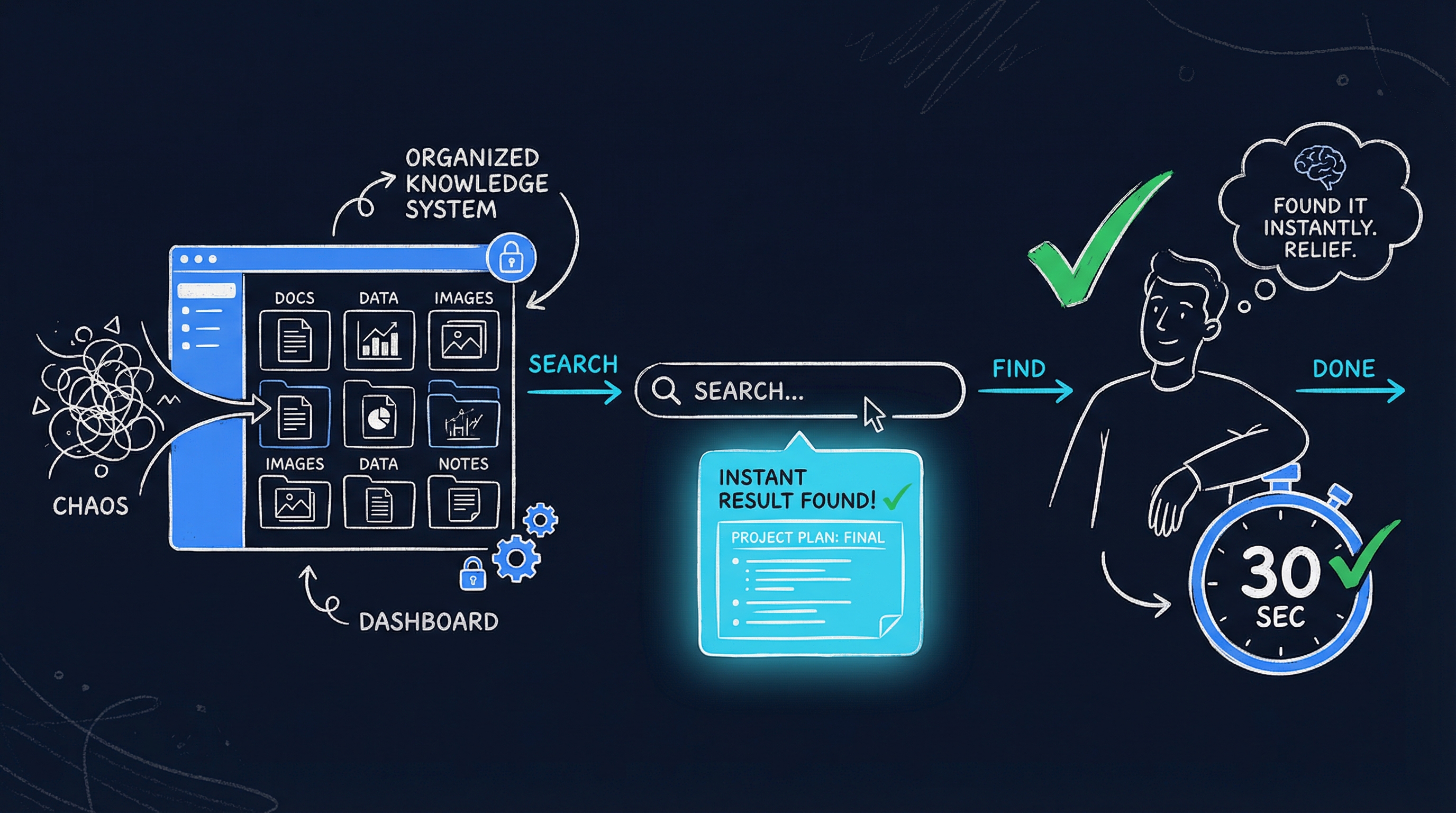
How Automation Fixes This
The problem isn’t that your system alerts you too much. The problem is that it has no concept of what actually requires your attention right now versus what can wait until morning.
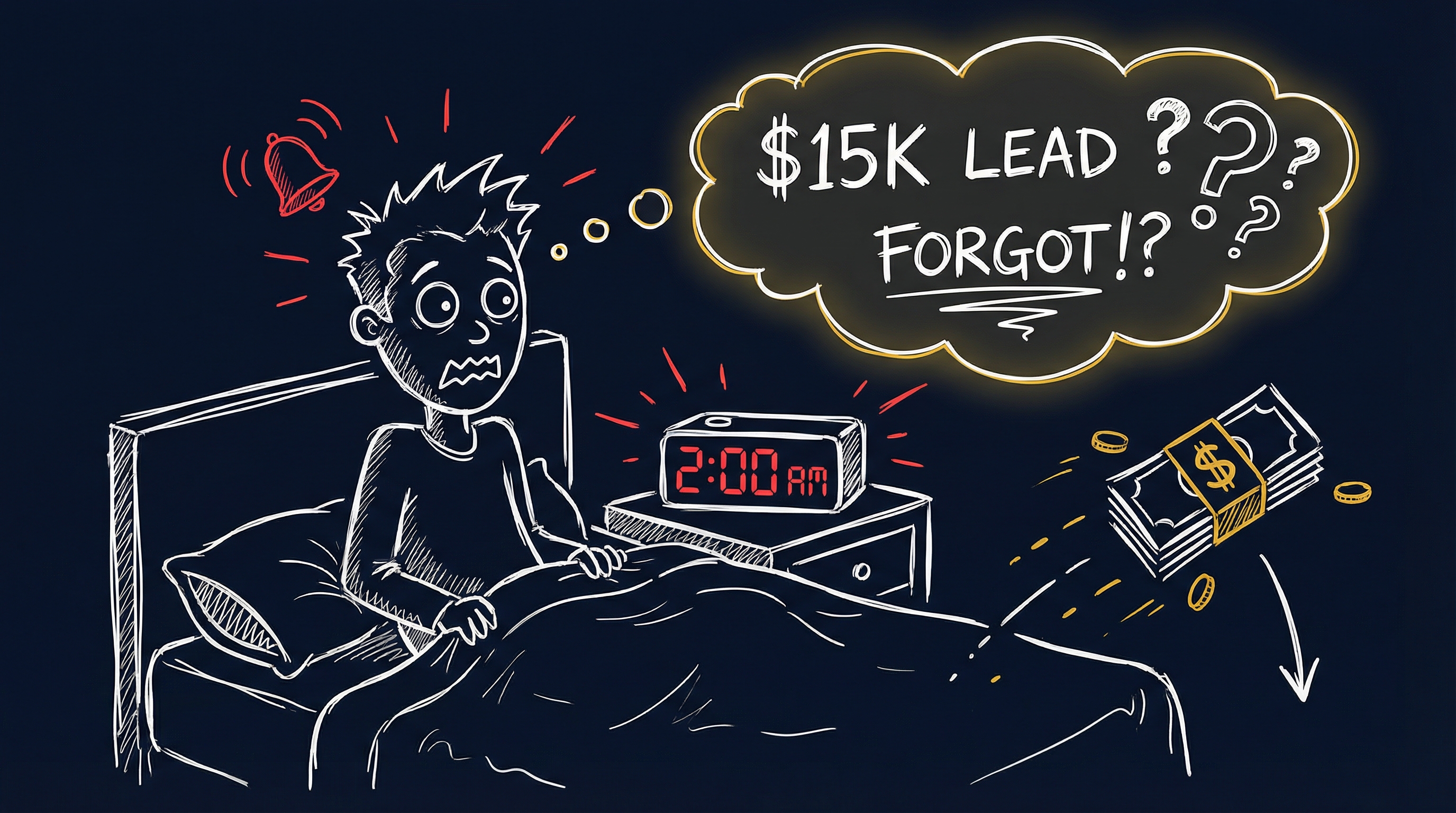
Before: Every system event → immediate notification → constant buzzing → brain tunes it all out → $15K lead sits unread for 4 hours
After: Every system event → routed to appropriate tier → phone only buzzes for decisions that need you in the next hour → 45-minute average response time to new leads
The rebuild isn’t complicated. It’s just intentional.
What Actually Gets Fixed
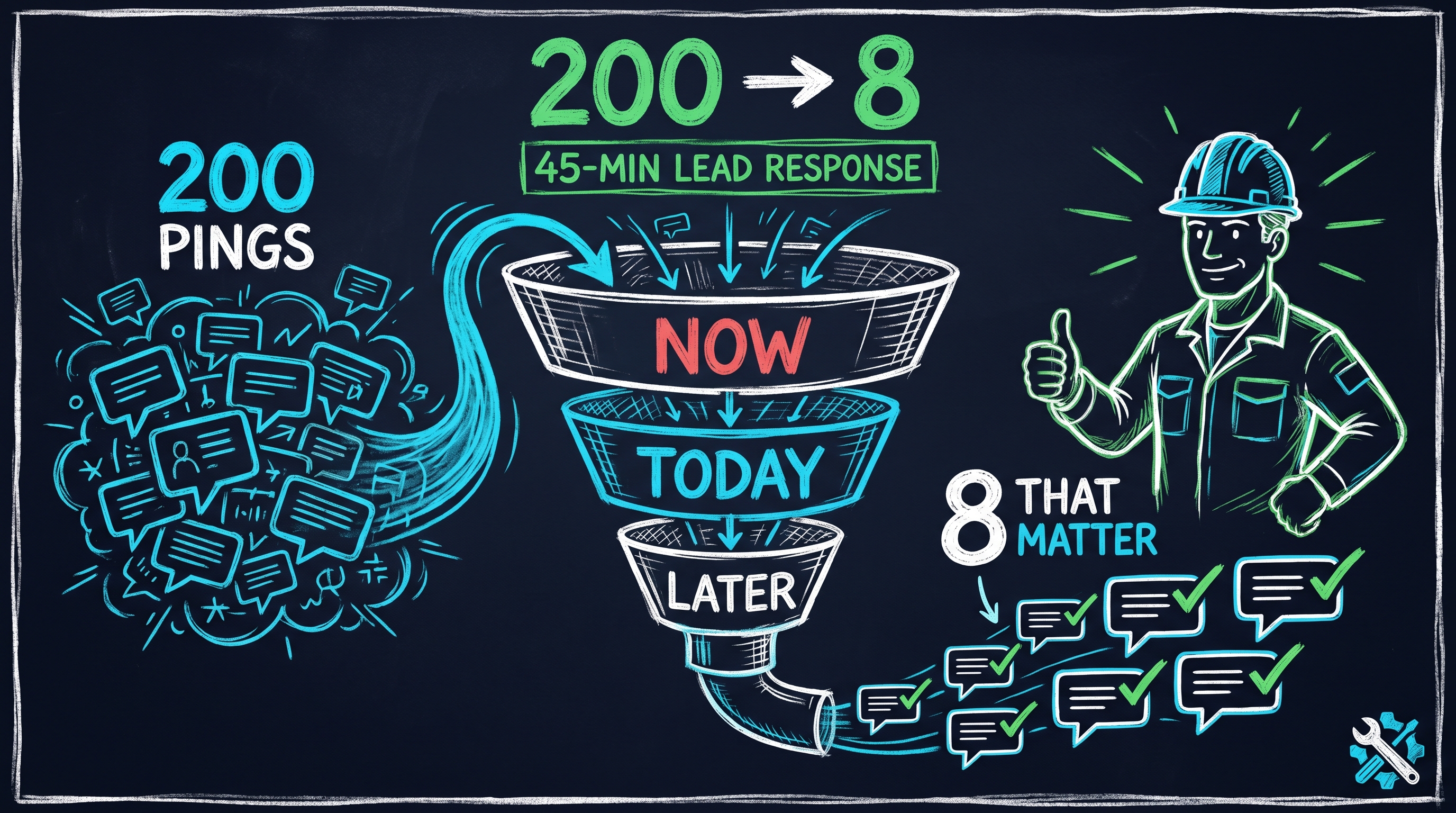
There are three tiers every notification in your system should fall into before it gets to buzz your phone.
Tier 1 — Alert Me Right Now: A new qualified lead came in. A customer responded to a proposal. A payment is 21+ days overdue. Someone escalated a complaint. These require a human decision within the next hour. These get the buzz — every time, zero exceptions.
Tier 2 — Daily Digest: Routine follow-up sequence confirmations. Job status milestones. New review requests. Weekly pipeline summaries. Team activity logs. You want to know these things, but not immediately. They go into a morning summary you actually read instead of a real-time ping you’ve learned to ignore.
Tier 3 — Log It, Don’t Tell Me: The CRM updated a field. A contact opened an email for the third time. An automated message delivered successfully. Background system activity confirming your automation is working. This lives in your database. It does not live in your pocket.
Most contractors running off-the-shelf platforms have no concept of these tiers. The platforms push everything by default because engagement metrics justify their subscription fees. More notifications feels like more value. It isn’t.
The Competitive Edge
In my roofing days, I had my phone going off constantly. I thought that was fine — the system was working. Until I sat down one night and counted how many alerts that week had actually required me to do something.
Out of 340 notifications, 18 needed action. That’s 5%.
I rebuilt the whole notification structure from scratch. By the end: roughly 60 per week, about 8 per day. All of them signal. None of them background radiation.
My response time to new leads dropped from an average of 4 hours to under 45 minutes. Not because I was faster. Because I actually saw them.
That’s the edge. Your competitors who built notification-heavy systems have trained themselves to ignore their own automation. When the same lead lands in both inboxes, you call first.
What It Takes
Implementation: $15,000–$30,000 depending on system complexity Timeline: 2–4 weeks to full deployment Break-even: Typically within 60–90 days through recovered leads alone Ongoing: Zero monthly SaaS fees — you own the system
One first conversation alone — “What actually requires your decision, and what should just happen?” — changes how your system behaves and how much of your attention it consumes.
Your Next Step
Book a 60-Minute Strategy Session →
We’ll go through how your current system is configured, which alerts are actually driving decisions, and what a smarter notification architecture looks like for your business. $150, credited toward implementation.
FAQ
How do I know which notifications in my current system are worth keeping?
Track for one week: every time your phone buzzes, note whether you took action or ignored it. If you’re ignoring more than 70-80% of alerts, you have a design problem. The ones you consistently ignore are candidates for the daily digest or silent logging tier. The ones you act on within an hour are your Tier 1 alerts — protect those and cut the rest.
Won’t I miss things if my automation runs quietly in the background?
Only if “missing things” means not getting a real-time ping for every routine event. The information is still there — logged, tracked, available when you need it. The goal isn’t to be unaware of what your system is doing. It’s to reserve your interruptions for things that require immediate human decisions. A well-structured daily digest keeps you informed of everything that doesn’t need same-hour action.
One-time investment, lifetime value. Most contractors recover the cost within 90 days just from leads they stop missing.
AIL-3 | AI Transparency: This article was drafted with AI assistance and reviewed, edited, and approved by the author. All recommendations are based on 20 years of experience in the roofing and construction industry.